Install RIPTV on a Fire TV
Search for RIPTV on your Fire TV
- Go to Find > Search
- Type RIPTV
- Choose Get
 Get

Or install it from this site with Downloader
About five minutes, once. The pictures are drawings: your menus may look a little different.
1Install Downloader
Find > Search, type Downloader, pick the orange one and choose Get.
⌕ Downloaderabcdefghijklmnopqrstuvwxyz0123456789Apps & games↓Get2Turn on Developer options
Go to Settings > My Fire TV.
Developer options there? Go to step 3. Not there? About: press your Fire TV's name 7 times. 3Let Downloader install apps
Developer options > Install unknown apps: switch Downloader on (older Fire TVs: Apps from Unknown Sources).
4Download RIPTV
Open Downloader (Allow if asked), type this code and press Go.
Downloader code1519638or type riptv.app/tvEnter a URL or search term:1519638Go5Install it
Choose Install, then Open. Delete the download when asked: RIPTV stays installed.
RIPTVDo you want to install this app?
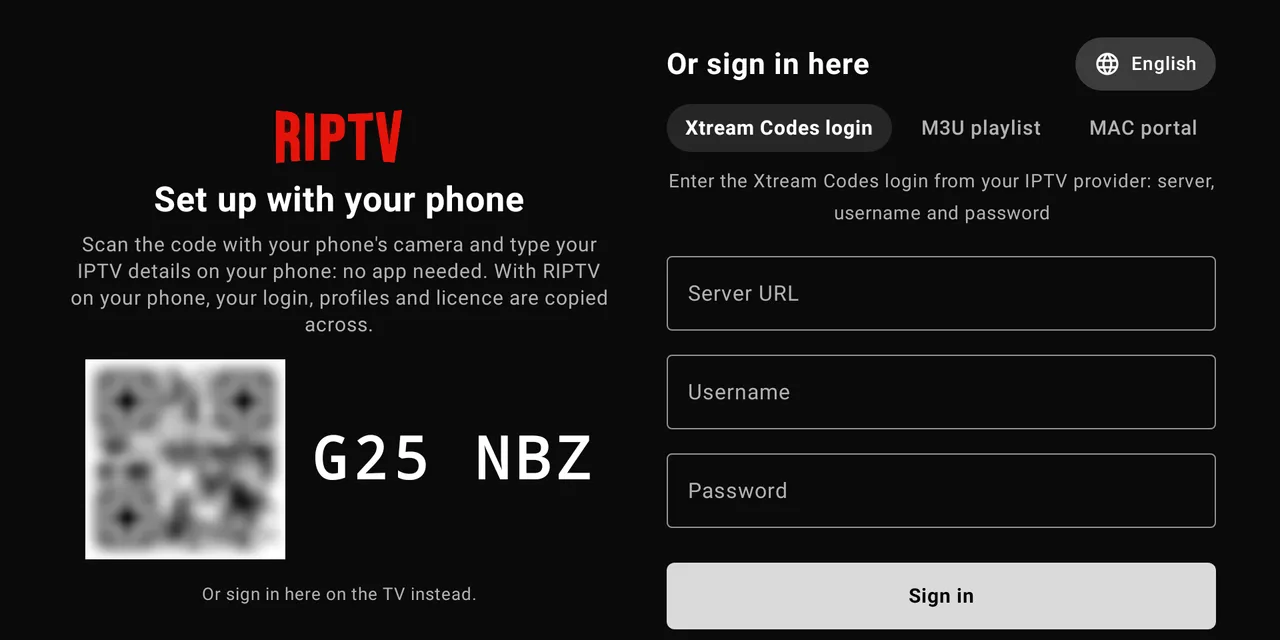
CancelInstall6Sign in from your phone
Scan the code on your TV with your phone's camera and type your IPTV details there.
Android TV and Google TV
Open the Play Store on your TV, search for RIPTV and install it. Or use Downloader as above: Unknown sources is in Settings > Apps > Security & restrictions (on Google TV, first press Settings > System > About > Android TV OS build 7 times).
If something doesn't work
- No Install unknown apps: do step 2 again.
- "App not installed": RIPTV from the Appstore is already on this TV. Use that, or uninstall it first.
- Code doesn't work: type riptv.app/tv instead.